
Installing the Kindle Book Praying the Rosary Without Distractions (WDE)
How to for Installing the Kindle Book Praying the Rosary Without Distractions (WDE)
When your order is completed, you will see a screen like this:
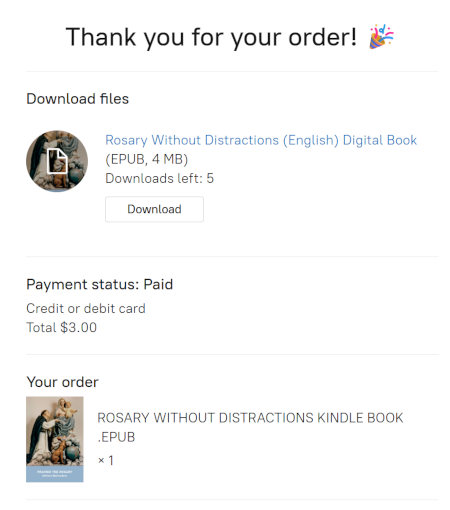
If you are still on this screen, click on the Download button.
If you have already left this screen, you can also install from your email receipt, which looks Like this:
Once you downloaded the file, open your File Explorer (You can quickly open File Explorer by pressing the Windows Key + E on your keyboard.)